A '90s scrapbook that lives in your foldable.
Shut the phone and it's a marbled composition notebook with your name on the label. Open it and the pages lie flat across the fold, ready for drugstore prints, tape, stickers and gel-pen doodles.
Designed for iPhone Duo. Works on every iPhone with iOS 27.
Coming to the App Store October 23
See how it works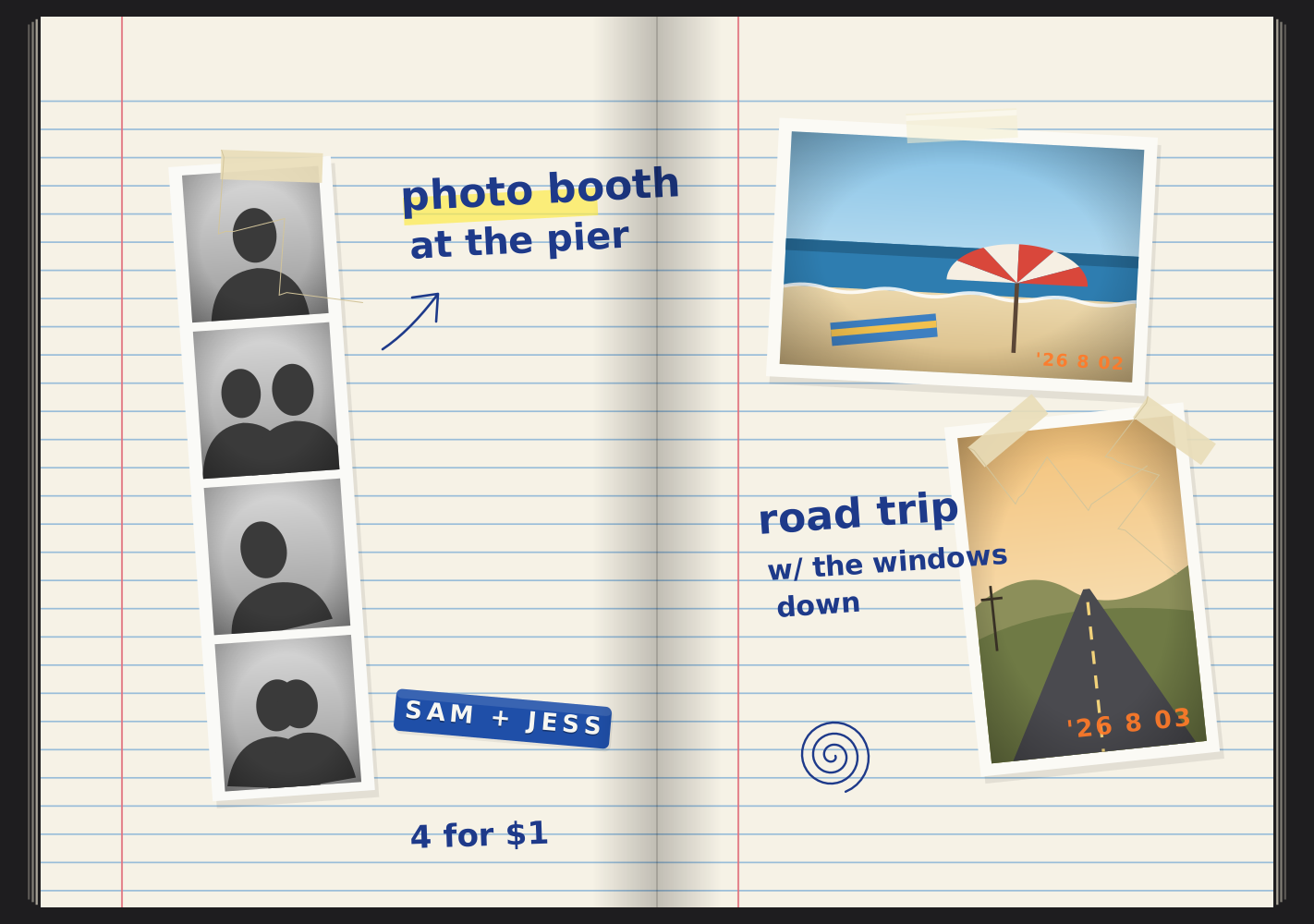

Why it's different
- Free
- No account
- No ads
- No tracking
- Works offline
- Made for the fold
Shut it. Open it. Fold it.
4olio changes with the way you hold iPhone Duo. Closed, you're holding the cover. Open, you're holding the spread.
-
Closed
The outer display is the cover, with your name on the label. Tap it to open at your bookmark, or have it show the page you left off on.
-
Open
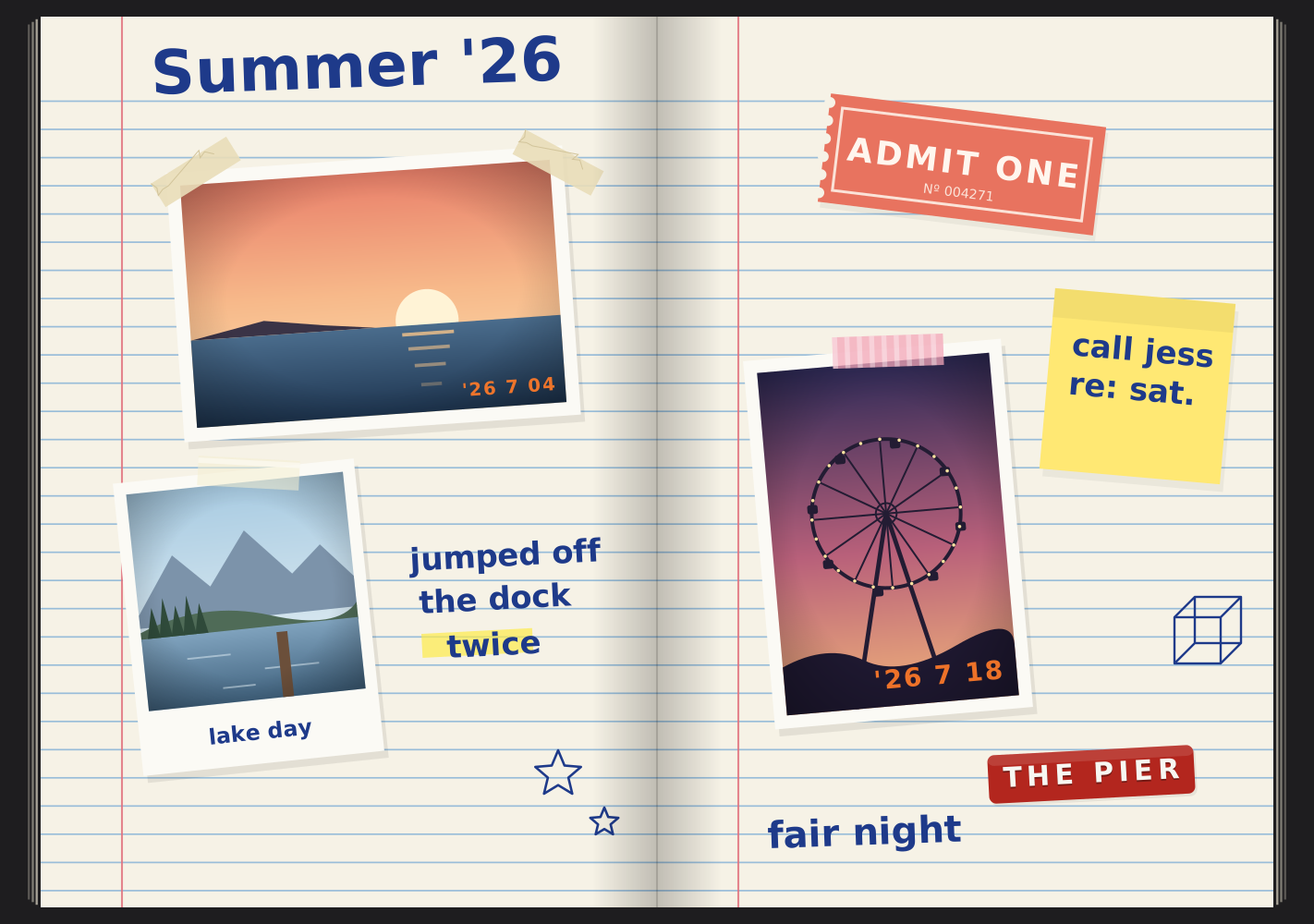
A two-page spread with the spine on the fold, like the middle of a real notebook.
-
Book
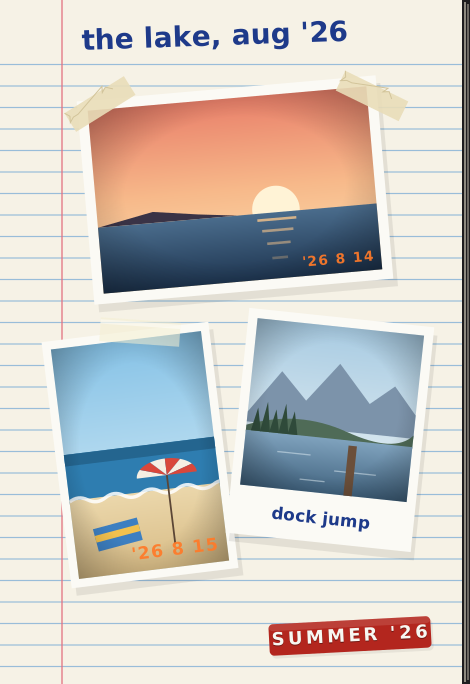
Fold it partway and the pages stay clear of the crease.
-
Laptop
Fold it like a laptop: the page sits up top and your pencil case waits on the desk below.
No iPhone Duo? 4olio works on every iPhone with iOS 27, one big page at a time, and the cover greets you when it starts fresh.
Your camera roll, developed.
Pick photos in the system photo picker and they come out as drugstore prints with an orange date stamp, instant-film prints, photo-booth strips or cut-outs. Tape them in crooked. That's the point.
4olio never asks for access to your photo library. It only gets the photos you choose.
Tape it. Sticker it. Label it.
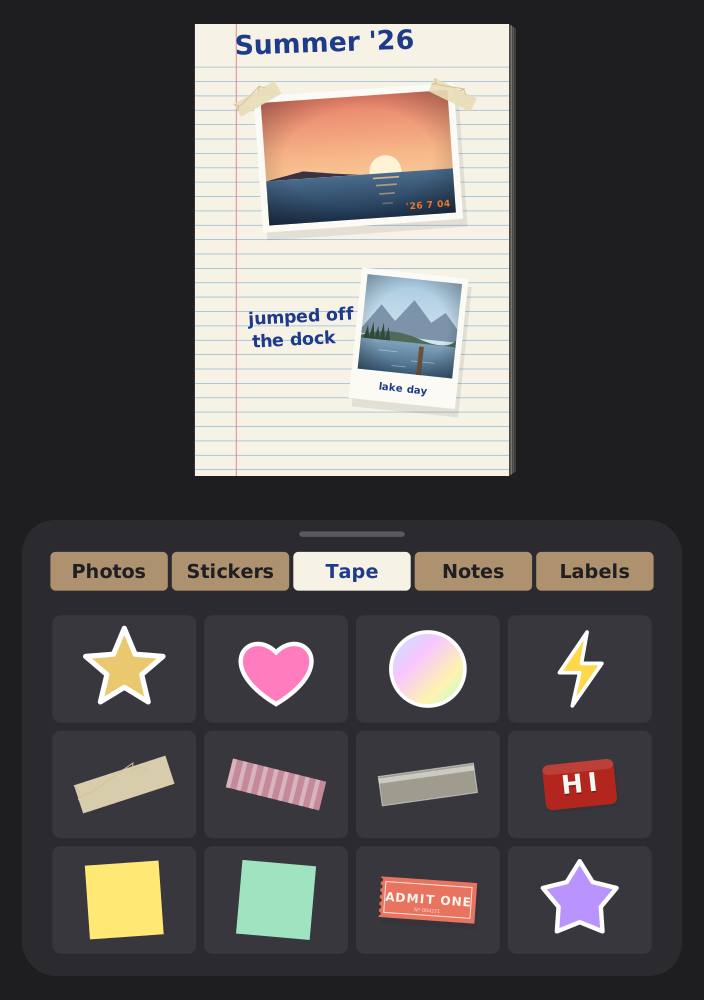
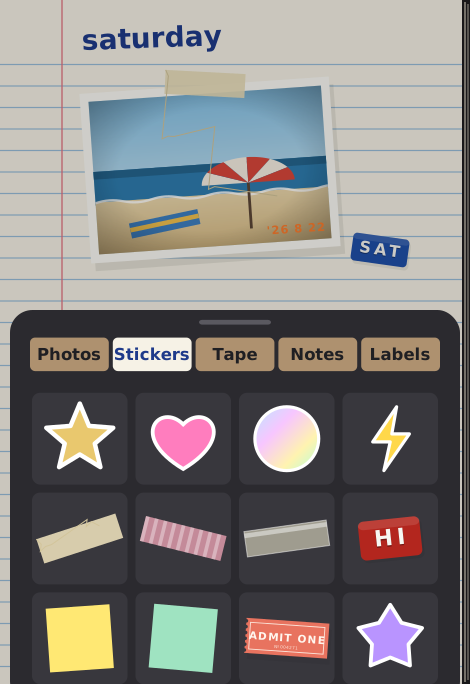
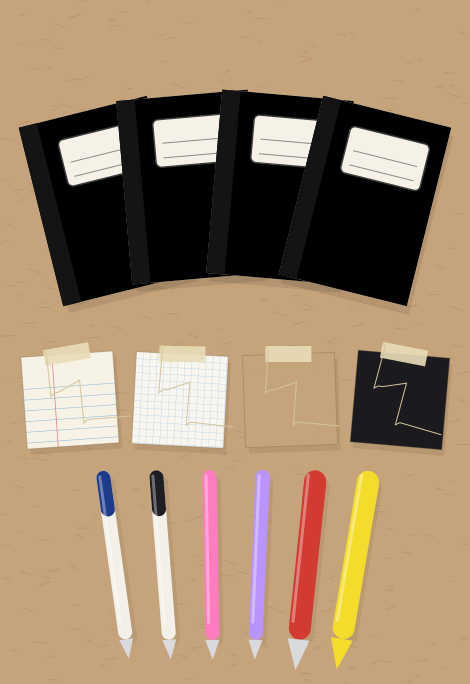
Open the pencil case for stickers, masking and washi tape, scrap-paper notes, sticky notes and label-maker labels. Tap a tile to stick it on, or drag it where you want it.
Drag, pinch and rotate anything, tuck it under, and undo as you go.
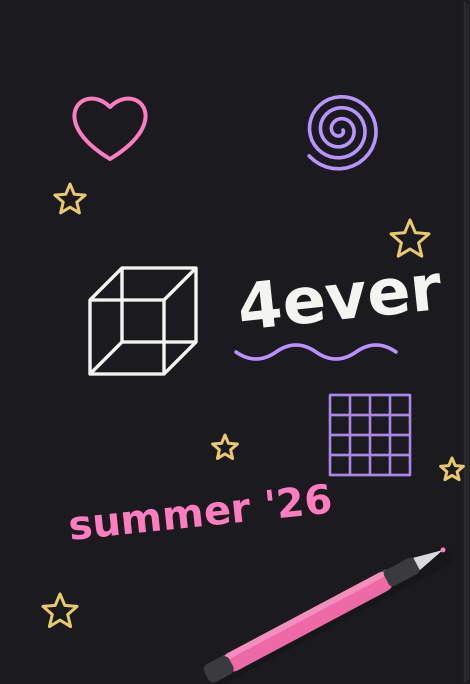
Uncap a pen. Scribble.
Ballpoint, gel pens, marker and a highlighter that lets the rules show through, in three widths, plus white-out. Gel pens pop on black construction paper, just like they did in homeroom.
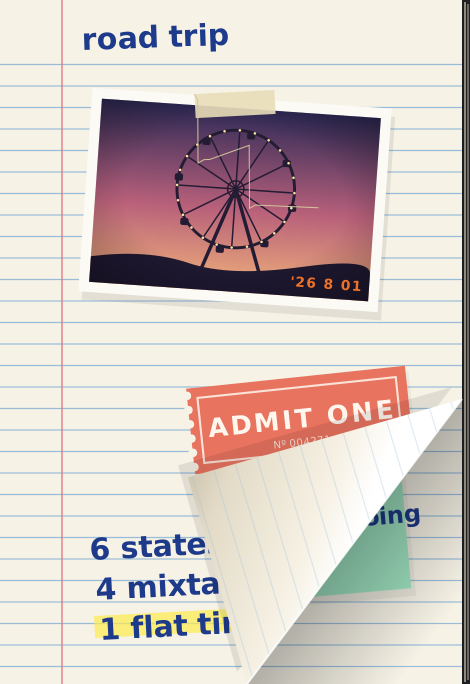
Turn the page. Hear it.
Swipe and the page curls over with a soft paper sound, or choose a slide or a fade. Add pages in wide-ruled, graph, kraft or black construction paper.
With Reduce Motion on, pages fade instead of curling.
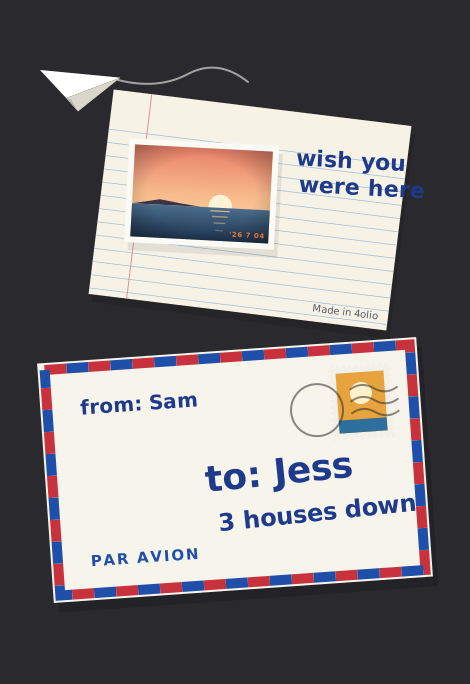
Mail a page to a friend.
Any page can go out as a postcard. Friends with 4olio also get a copy they can tuck into their own notebook.
- Tap Send Page, the paper plane.
- Pick Messages, Mail, AirDrop or anything else in the share sheet.
- Everyone sees the postcard. Friends with 4olio open the envelope and choose Tuck In.
No account and no 4olio server: the page travels through the app you pick, and photo locations and camera details stay behind.
Your cover, your paper, your way.
Pick the cover colour, write your name and subject on the label, and choose what the closed phone shows: the cover, or the page you left off on.
Then set the paper for new pages, the page-turn style, sounds, haptics, a left-handed layout and your own toolbar.
Private by design.
4olio collects no data. There's no account, no ads and no tracking, and it works offline. Your notebook stays on your iPhone, and a page leaves it only when you send it yourself.
Out October 23.
4olio arrives on the App Store on October 23, 2026, for iPhone Duo and every iPhone with iOS 27.
Coming to the App Store October 23
See how it worksQuestions first? The support page covers the poses, photos, sending pages and backups.